Why this matters
Build authority around missed calls, after-hours coverage, call overflow, and AI front desk workflows that turn calls into booked jobs.
Choosing an AI answering service is not just a phone decision. It affects response speed, booked jobs, dispatch accuracy, customer trust, and whether your office team spends the day cleaning up half-finished conversations.
The best way to compare vendors is with a checklist that reflects how home service calls actually work. A good system should answer quickly, understand the job, collect the right details, book into the schedule, and hand off exceptions with enough context for a human to finish the work.
TLDR:
- The right AI answering service should book jobs, not just take messages.
- Evaluate emergency routing, scheduling logic, integrations, handoffs, and reporting.
- Test real call scenarios before forwarding live traffic.
- Compare vendors by missed-call recovery and booked revenue, not only monthly cost.
- MyBusinessFlow connects answering, booking, follow-up, and local visibility for home service teams.
The AI answering service checklist
Use this checklist when comparing vendors.
| Area | What to verify |
|---|---|
| Call coverage | Answers 24/7, handles simultaneous calls, supports after-hours rules |
| Intake quality | Captures customer, address, job type, urgency, and preferred time |
| Booking | Checks real availability and books confirmed appointments |
| Emergency routing | Separates urgent calls from routine requests and escalates safely |
| Integrations | Syncs with calendar, CRM, or field service software |
| Follow-up | Sends confirmations and keeps SMS or chat context connected |
| Handoffs | Routes exceptions with summaries, transcripts, and next steps |
| Reporting | Shows answered calls, missed-call recovery, bookings, and outcomes |
| Controls | Lets owners update services, areas, hours, and escalation rules |
| Launch support | Tests scenarios and reviews early calls before scaling |
1. Does it answer every call?
The first requirement is basic coverage. The system should answer during business hours, after hours, weekends, and seasonal spikes. If it can only handle one call at a time or fails under peak demand, it will not solve the missed-call problem.
Ask whether the vendor supports simultaneous calls, after-hours scripts, holiday rules, spam filtering, and voicemail fallback.
2. Does it understand home service intake?
Home service calls need more than name and phone number. The AI should collect the service address, job type, symptom, urgency, availability, and any job-specific details needed by your dispatcher or technician.
For example, “AC not working” needs different questions than “new system estimate.” “Water heater leaking” needs different routing than “maintenance tune-up.” The AI should know the difference.
3. Can it book directly?
Direct booking is the difference between an answering service and an AI front desk. If the system only sends a message, your team still has to call back. During that delay, the homeowner may book with someone else.
Look for real appointment scheduling automation that can check availability, respect booking rules, confirm the appointment, and create the right record in your workflow.
4. Can it handle emergencies safely?
Emergency rules should be explicit. The AI should know which issues require priority handling, which ones require human escalation, and which safety scenarios need careful language.
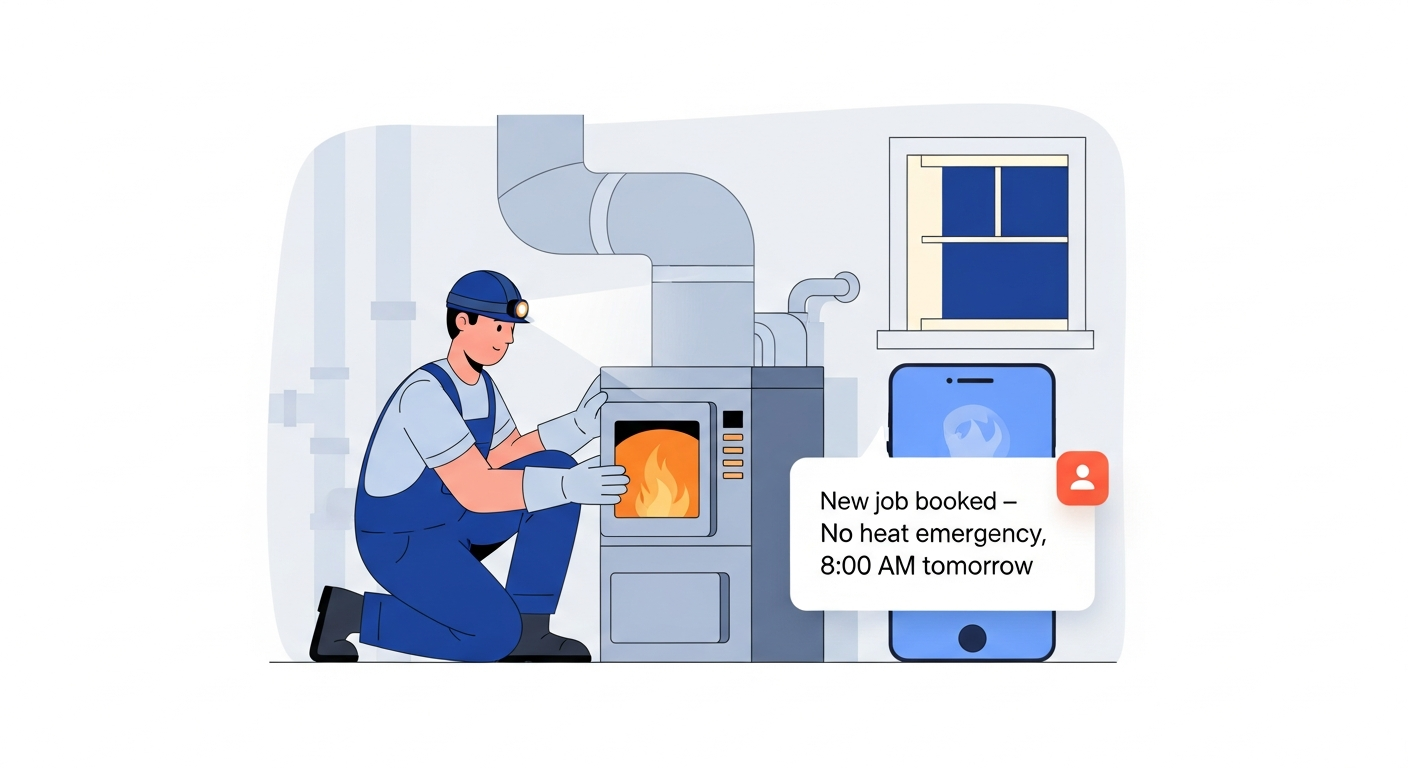
Ask vendors to demonstrate urgent calls, not just routine appointment requests. Test no-heat, active leak, electrical burning smell, roof leak, lockout, and other scenarios relevant to your trade.
5. Does it integrate with your existing tools?
An AI answering service should reduce admin work. If the team has to copy notes into ServiceTitan, Housecall Pro, Jobber, or a calendar, the workflow still has friction.
Verify what actually syncs. Some vendors create jobs. Some only create notes. Some send email summaries. Make sure the integration matches your team’s source of truth.
6. Does it support SMS and chat follow-up?
Many conversations do not stay on the phone. A missed call may need a text-back. A website chat may turn into a call. A caller may want confirmation by SMS.
The stronger workflow keeps phone, SMS, and chat connected around one customer and one booking context. That is why multi-channel lead capture is becoming more important than standalone call answering.
7. Does it provide usable handoffs?
No AI should pretend every call is simple. The question is what happens when the AI needs a human.
A good handoff includes:
- Customer details.
- Service address.
- Call reason.
- Urgency.
- What the AI already asked.
- Why the handoff happened.
- Transcript or recording access.
- Recommended next step.
Without that context, your team has to start over.
8. Can owners update business rules?
Your service areas, staffing, seasonal priorities, and booking windows will change. You should be able to update those rules without waiting weeks for a vendor.
Ask how service changes are handled, who can update the knowledge base, how quickly changes take effect, and whether the system can support temporary rules during storms, heat waves, holidays, or staffing shortages.
9. Does reporting connect calls to booked jobs?
Call count is useful, but it is not the whole story. You need to know how many calls were answered, how many became bookings, how many were escalated, and how much revenue was protected.
The best systems show call-to-booking conversion and connect outcomes to local search, paid ads, GBP, website chat, and missed-call recovery.
10. How should you test before launch?
Before forwarding live calls, run a structured test set:
- Routine service request.
- Emergency request.
- Estimate request.
- Existing customer callback.
- Unsupported service area.
- After-hours booking.
- Reschedule.
- Cancellation.
- Price question.
- Human handoff scenario.
Listen to the calls, inspect the synced records, and confirm the customer experience matches your standards.
How MyBusinessFlow compares
MyBusinessFlow is designed as an AI front desk, not a message-taking tool. It answers calls, qualifies urgency, books appointments, follows up across channels, and connects those outcomes to the website and local visibility work that brings in demand.
That end-to-end workflow matters for contractors because discovery and conversion are tied together. If you only answer calls, you still need traffic. If you only build a website, you still need to pick up the phone. MyBusinessFlow closes both gaps from local search to booked job. Start with the get started flow to see how it would work for your team.
Frequently Asked Questions
Sources